When building a multi-flash lighting setup, one of the most common questions photographers ask is:
Can a single Godox X5 trigger control two or more iT32 flashes at the same time?
The short answer is: Yes, absolutely.
When paired together, iT32 + X5 is not just a camera flash and a trigger — it becomes a complete wireless multi-flash control system.
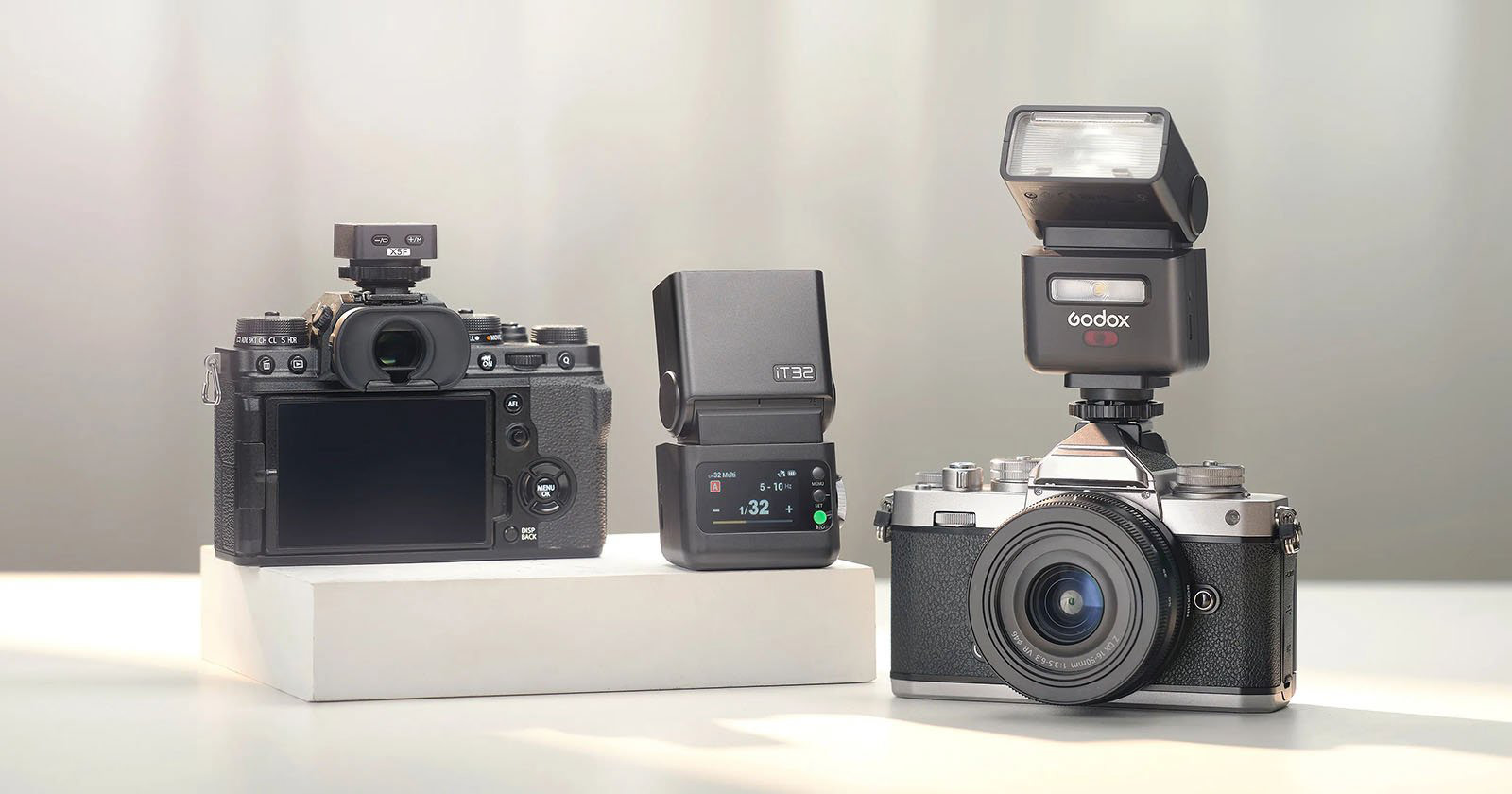
iT32 + X5: More Than a Flash — A Wireless Master Controller
Within the Godox 2.4G wireless system, the X5 trigger itself does not emit light.
Instead, it works together with one iT32 flash acting as the master.
How it works:
-
The X5 trigger is mounted on the camera hot shoe
-
One iT32 flash is set as the master unit
-
Other flashes act as slave units
-
Pressing the shutter triggers all assigned flashes simultaneously
This setup allows a single X5 trigger to control multiple iT32 flashes — and even other Godox flashes.
Two Ways to Trigger Multiple Flashes with iT32
1. Wireless Triggering (Godox 2.4G Radio System — Recommended)
This is the most stable and professional solution for multi-light photography.
Key advantages:
-
Long working distance
-
No line-of-sight required
-
Reliable indoors and outdoors
-
Ideal for multi-light setups
Group control support:
-
iT32 + X5S / X5F / X5N / X5O
→ Supports M / A / B / C groups -
iT32 + X5C
→ Supports A / B / C / D groups
✅ There is no fixed limit to the number of flashes per group, as long as they are within wireless range.
Basic setup steps:
- Mount the X5 trigger on the camera hot shoe.
- Set one iT32 as the Master/Transmitter (TX) unit (this will act as the main controller)
- Set the other Godox flashes to Wireless Slave (RX) mode.
- Assign each slave flash to the desired group (A/B/C/D, depending on your X5 version).
- Adjust group settings and flash power using the X5 or the master iT32.
-
Press the shutter to fire all flashes together.
2. Optical Triggering (S1 / S2 Mode)
If the flashes you want to trigger support optical slave modes (S1 / S2), you can also trigger them using light alone.
How it works:
-
The iT32 fires as the main flash
-
Other flashes detect the flash and fire simultaneously
-
No wireless trigger is required
Best for:
-
Simple indoor setups
-
Short distances
-
Beginner or backup lighting solutions
Limitations:
-
Requires line of sight
-
Affected by ambient light
-
Not recommended for outdoor or complex setups
Which Triggering Method Should You Choose?
| Shooting Scenario | Recommended Method |
|---|---|
| Multi-light portraits | ✅ Wireless 2.4G |
| Outdoor photography | ✅ Wireless 2.4G |
| Studio or commercial work | ✅ Wireless 2.4G |
| Simple indoor lighting | Optical (S1/S2) |
Final Thoughts
One Godox X5 trigger can easily control two or more iT32 flashes by using one iT32 as a master unit.
With support for both 2.4G wireless triggering and optical slave modes, the iT32 offers exceptional flexibility for photographers building multi-light setups.
Whether you’re a beginner exploring off-camera flash or a professional building a portable lighting system, iT32 + X5 is a powerful and scalable solution.